ENGLISH VERSION
H1: KITOZER KVM Switch — From Desktop Switching to Digital IP KVM and Data Center Centralized Management
Introduction
A KVM (Keyboard/Video/Mouse) switch lets one keyboard, monitor, and mouse control multiple servers/computers. In a data center with dozens or hundreds of servers, per-server keyboards/monitors are wasteful. KVM lets admins manage all servers from one console. KITOZER covers desktop 2-port to data-center 512-port digital IP KVM.
Reference prices are list × 2.
Chapter 1: History
1990s: 2/4-port mechanical desktop KVM, VGA+PS/2. 2000s: 8/16-port rack analog KVM. 2010s: digital KVM with USB/HDMI/DVI, LCD console drawers. 2015+: KVM over IP for remote BIOS-level management, virtual media, multi-user concurrent access.
Chapter 2: Principles
2.1 Signals
Video (VGA analog / DVI / HDMI / DP digital), keyboard (USB HID), mouse (USB HID).
2.2 Switching
Manual button, hot-key (Ctrl+Ctrl), OSD menu, software.
2.3 KVM over IP
Server KVM → encoder → IP packets → network → admin browser. BIOS-level (works before OS boots). Virtual media mounts remote ISO for OS install.
Chapter 3: Product Line
3.1 Desktop
| Model | Ports | Interface | Ref |
|---|---|---|---|
| KZ-KVM-201U | 2 | VGA+USB | ¥280 |
| KZ-KVM-401U | 4 | VGA+USB | ¥580 |
| KZ-KVM-201H | 2 | HDMI+USB | ¥680 |
| KZ-KVM-401H | 4 | HDMI+USB | ¥1,280 |
3.2 LCD Console
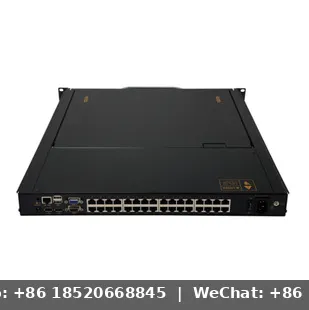
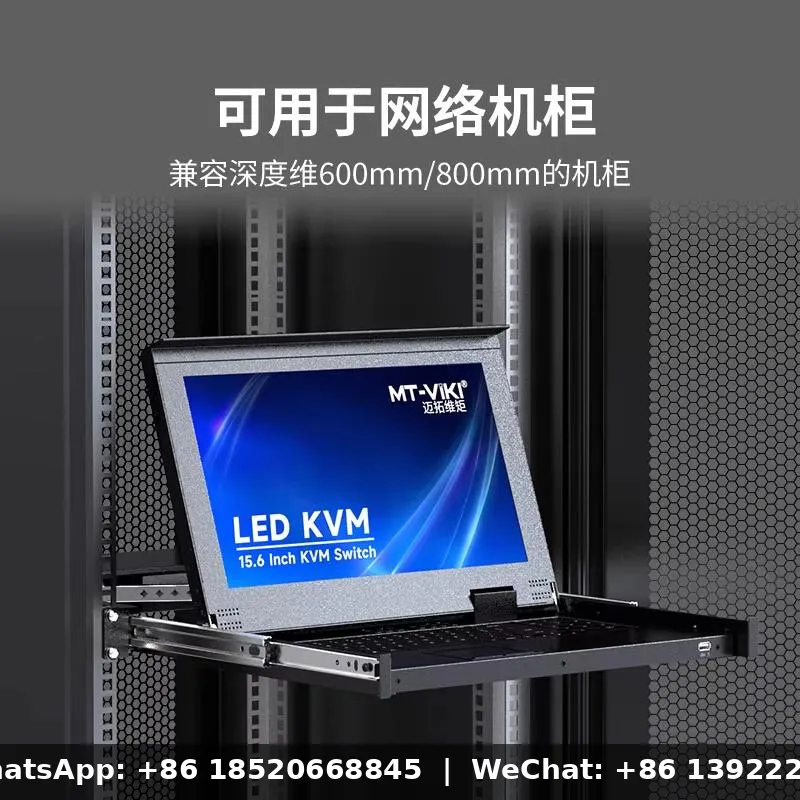
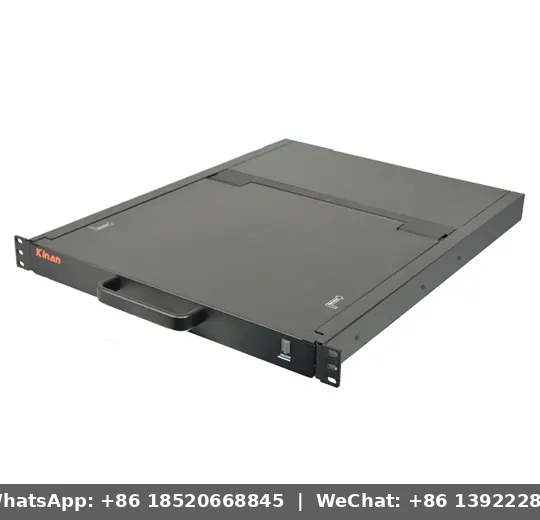
KZ-KVM-1708: 17″ LCD + 8-port VGA KVM, 1U drawer. ¥4,800.
KZ-KVM-1716: 17″ + 16-port. ¥6,800.
3.3 Digital IP KVM
KZ-IP-KVM-16: 16-port, IP remote, virtual media. ¥18,000.
KZ-IP-KVM-32: 32-port. ¥28,000.
KZ-IP-KVM-64: 64-port. ¥48,000.
3.4 Matrix KVM
KZ-MTX-KVM: 32×32 matrix, multi-user concurrent. ¥88,000.
3.5 Extenders
KZ-EXT-100: HDMI/USB 100m over Cat6. ¥1,280/pair.
KZ-EXT-300: 300m. ¥2,800/pair.
3.6 Management Platform
KZ-KVM-SW: B/S, up to 512 servers, multi-user, audit log. ¥38,000.
Chapter 4: Installation
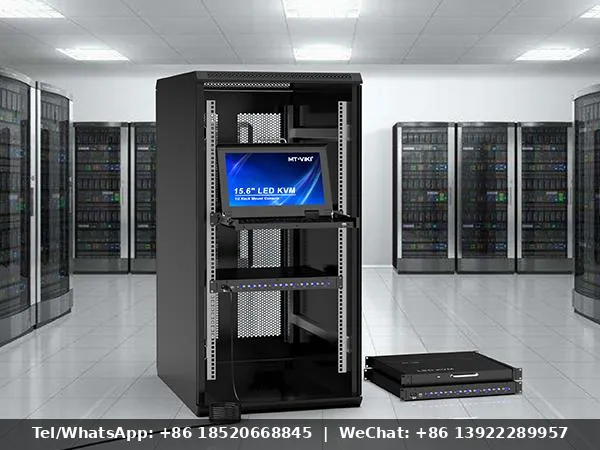
LCD console: 1U drawer in rack, connect with VGA+USB combo cables. IP KVM: 1U/2U rack, Cat6 to switch, KVM DONGLE per server. Cables: 3/5/10m VGA KVM, 3/5m HDMI KVM, one per server.
Chapter 5: FAQs (40)
Q1: KVM price?
A: Desktop 2-port ¥280; 16-port LCD console ¥6,800; 64-port IP KVM ¥48,000.
Q2: KVM vs RDP?
A: KVM is BIOS-level (works before OS boots); RDP needs a running OS.
Q3: Is KVM over IP secure?
A: TLS 1.2, dual-factor auth, audit logs.
Q4: Remote OS install?
A: Virtual media mounts remote ISO.
Q5: 4K support?
A: New IP KVM supports 4K@30Hz.
Q6: How many servers per KVM?
A: Desktop 4–16; digital IP 16–64; platform cascades to 512.
Q7: Extender distance?
A: Cat6 100–300m; fiber up to 10km.
Q8: Special KVM cables?
A: Yes, VGA+USB combo; not plain VGA.
Q9: LCD console thickness?
A: 1U drawer, pulls out for keyboard.
Q10: Multi-user concurrent?
A: Digital IP KVM supports concurrent with role-based permissions.
Q11: Drivers?
A: USB KVM is HID-plug-and-play.
Q12: Mac support?
A: USB HID works on Windows/Linux/Mac.
Q13: Latency?
A: Local KVM zero; IP KVM 50–100ms.
Q14: Remote power on/off?
A: Via smart PDU integration.
Q15: VMs?
A: KVM for physical; RDP for VMs.
Q16: One monitor, multiple PCs?
A: That’s exactly what KVM does.
Q17: Matrix KVM use?
A: NOC with multiple monitors/servers arbitrary switching.
Q18: Audio?
A: Digital KVM passes audio.
Q19: Virtual media?
A: Digital IP KVM yes; analog no.
Q20: Installation complexity?
A: Plug-and-play cables.
Q21: Warranty?
A: 3 years.
Q22: KVM failure?
A: Spare KVM switches; servers keep running.
Q23: Remote firmware?
A: Digital IP KVM yes.
Q24: Audit logs?
A: Who accessed which server when.
Q25: Dual monitors?
A: Dual-display KVM optional.
Q26: Touchscreen?
A: USB touch passthrough.
Q27: Serial devices?
A: Add serial console server.
Q28: KVM vs IPMI?
A: KVM is external and works with any server; IPMI is built-in BMC.
Q29: Firewall/router console?
A: RJ45-to-serial adapter.
Q30: 4K@60?
A: High-end models.
Q31: Extender cable?
A: Cat5e/Cat6.
Q32: Extender through switch?
A: Point-to-point no; matrix through switch yes.
Q33: Extender latency?
A: 10–20ms.
Q34: PoE extender?
A: Remote side PoE optional.
Q35: Management platform free?
A: Basic free; centralized platform paid.
Q36: Mobile access?
A: Web UI on mobile browser.
Q37: Dual-factor?
A: Digital IP KVM yes.
Q38: Encryption?
A: TLS 1.2 / AES-128.
Q39: Deployment time?
A: 16-port half-day; 64-port one day.
Q40: Quote?
A: Call +86 18520668845.
Chapter 6: Contact
Guangzhou Laian Intelligent System Development Co., Ltd. (KITOZER)
Chapter 7: Deep Expansion
7.1 KVM over IP Architecture
Server → KVM DONGLE (per-server adapter) → KVM switch → encoder → IP network → admin browser. Virtual media, smart power, multi-user.
7.2 Data Center Deployment
200-rack data center: one DONGLE per rack, 2× 64-port IP KVM cascaded, one management platform. NOC admins manage remotely.
7.3 Standards
GB/T 28181, TIA-942, HDMI 2.0, DP 1.2, USB HID 1.1.
Chapter 8: Extended Content
8.1 Sizing Workflow
KITOZER KVM design: (1) count servers and their video interfaces (VGA/DVI/HDMI); (2) choose local (LCD console) vs remote (IP KVM); (3) estimate concurrent admin users; (4) plan DONGLE count = server count; (5) network VLAN for KVM traffic; (6) BOQ.
8.2 TCO
| Item | Per-Server Monitor | KVM Solution |
|---|---|---|
| Monitors/keyboards (100 servers) | 100 set × ¥1,500 = ¥150k | 1 LCD console ¥6,800 |
| Rack space | 100U | 2U |
| Admin walk time | 5 min/server | 0 (remote) |
| 5-year TCO | ¥300k+ | ¥80k |
KVM saves ¥220k over 5 years for 100 servers.
8.3 Security
KVM over IP: TLS 1.2 transport, AES-128 at rest, dual-factor auth (password + token), per-user role (view/control), full audit log (who/when/which server/session duration), session recording optional.
8.4 Use Cases
8.5 Why KITOZER
Chapter 9: Closing
KITOZER KVM covers desktop to data center. Call +86 18520668845 or +86 13922289957, WhatsApp: +86 19068534140.
KITOZER — control every server, from anywhere.