1. Overview: The Hardware That Makes Cabling Maintainable
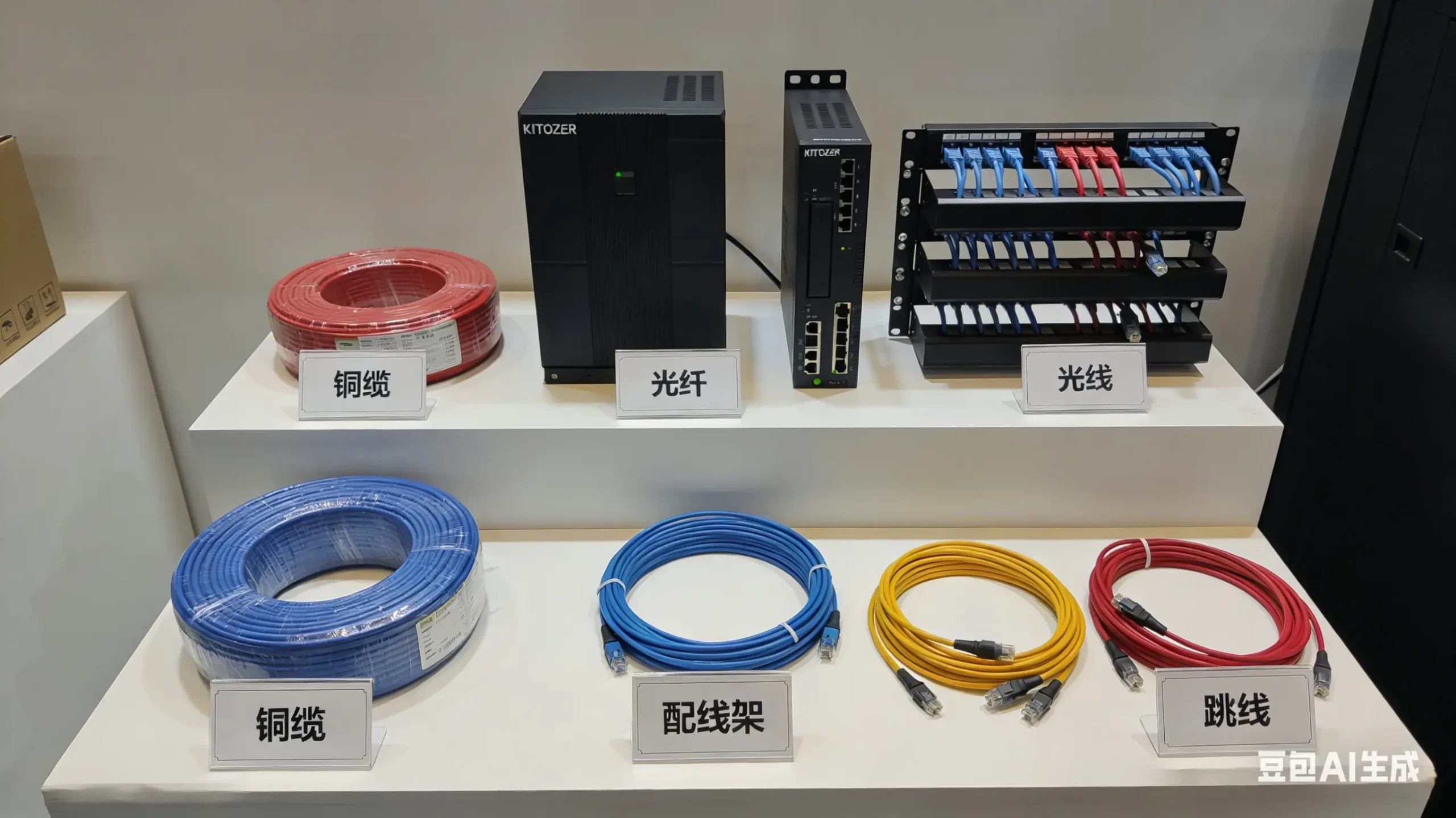
Structured cabling is only as reliable as its accessories: the patch panels, jacks, labels, management bars and protection devices that turn loose cables into a maintainable network. Cabling accessories from Guangzhou Lain Intelligent System Development Co., Ltd. cover the full set of hardware needed to terminate, route, organize, label and protect copper and fiber cabling in server rooms, network closets and data centers — the components between the cable drum and the live port that determine how fast a network can be installed, how cleanly it runs and how easily it changes later.
This guide explains what cabling accessories do, how to choose between panel types and management styles, how density, airflow and labeling affect long-term operation, and how Lain helps integrators specify a complete, standards-compliant cabling system.
2. Why Cabling Accessories Matter More Than They Seem
Cable is passive — but a network lives or dies at its connection points. A patch panel without a label plan becomes a tangle nobody dares touch. A cable manager that crushes bend radius quietly degrades every link passing through it. An ungrounded shield or a loose jack turns into intermittent errors that are almost impossible to trace. Accessories are where installation quality becomes visible and permanent, and they are also where future changes are won or lost: a well-organized panel field can be re-patched in minutes, while a poorly dressed one costs hours of tracing for every move, add or change.
Beyond organization, modern high-density cabling raises two physical demands: airflow management (blanking panels and proper dressing keep cooling air moving through the rack) and bend-radius protection (Cat6A and fiber have strict minimum bend radii that management hardware must enforce).
3. The Cabling Accessory Family
3.1 Patch Panels
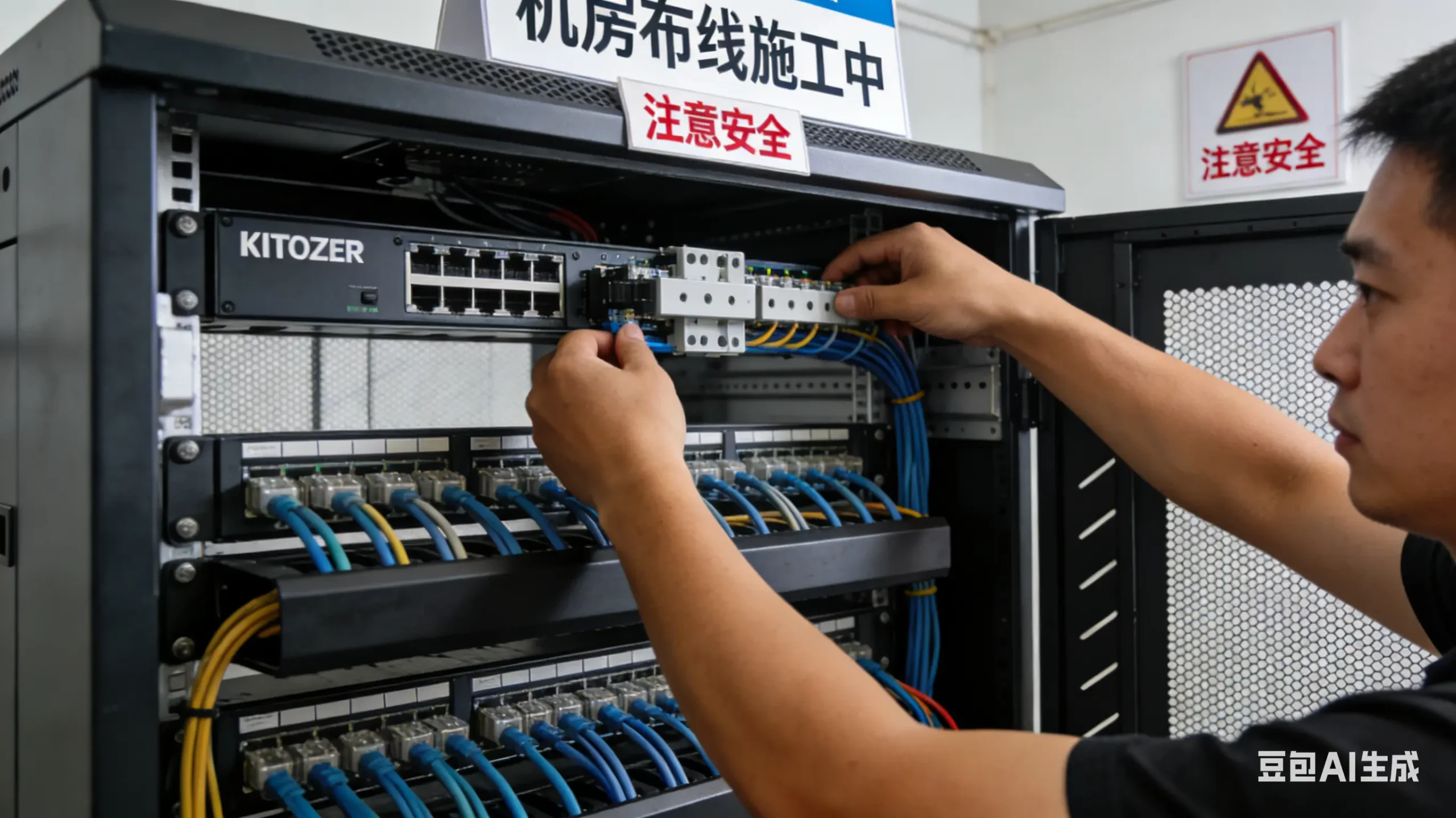
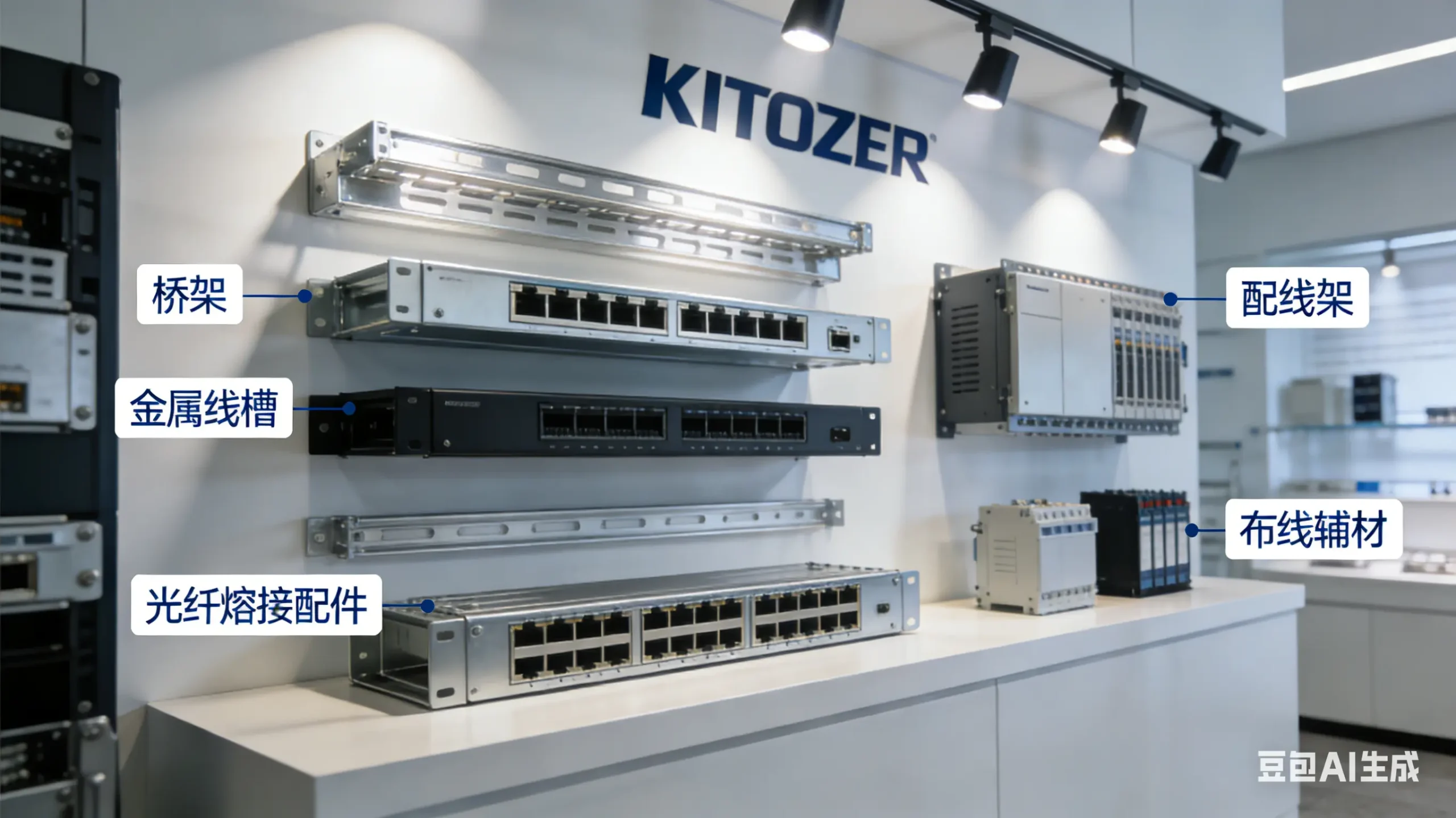
Patch panels are the fixed termination point where horizontal cabling meets patching. Copper panels carry keystone jacks or fixed RJ45 ports in 24- or 48-port densities (1U and 2U), in shielded and unshielded versions; fiber panels hold adapter plates for LC, SC or MPO connectors with splice trays and slack storage behind. Panels are rated to the same category as the cabling — Cat5e, Cat6, Cat6A — and the choice between keystone and fixed-port panels balances flexibility (keystone) against density and lower cost (fixed).
3.2 Cable Managers and Routing
Horizontal managers sit between panels to dress patch cords with proper bend radius; vertical managers run beside the rack to carry backbone cabling between panels and switches; and accessories such as rings, spools, lacing bars and troughs route cables inside the frame. Management hardware should keep cables separated (power from data), supported at every change of direction, and labeled at both ends — the physical mirror of the logical documentation.
3.3 Connectors, Jacks and Adapters
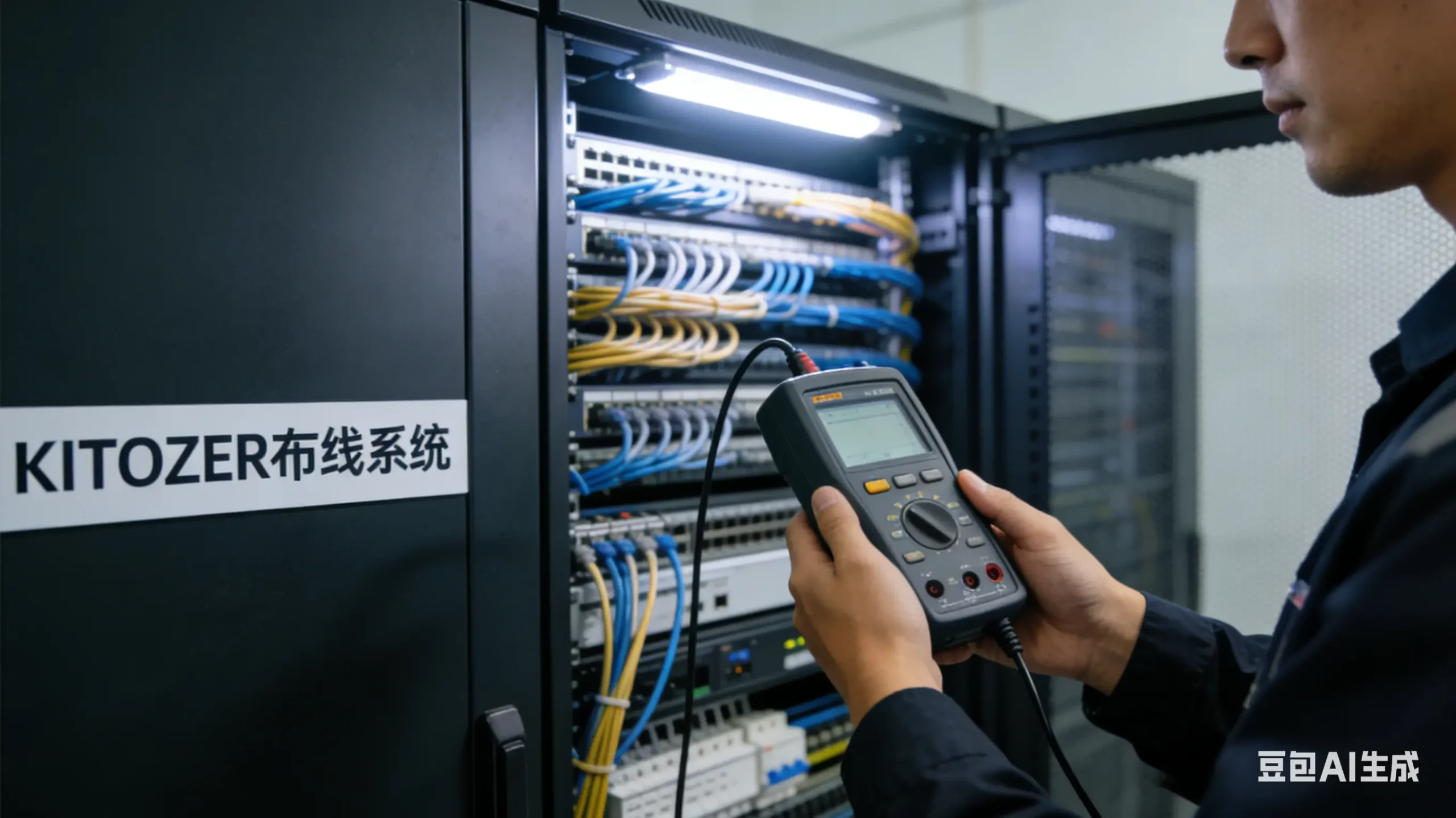
Connectors are where field termination happens: RJ45 plugs and keystone jacks for copper, LC/SC/MPO connectors and couplers for fiber. Quality shows in contact plating (gold over nickel), strain-relief design and consistent termination — a poorly terminated connector is the single most common cause of link failures in certified cabling systems.
3.4 Labeling and Identification
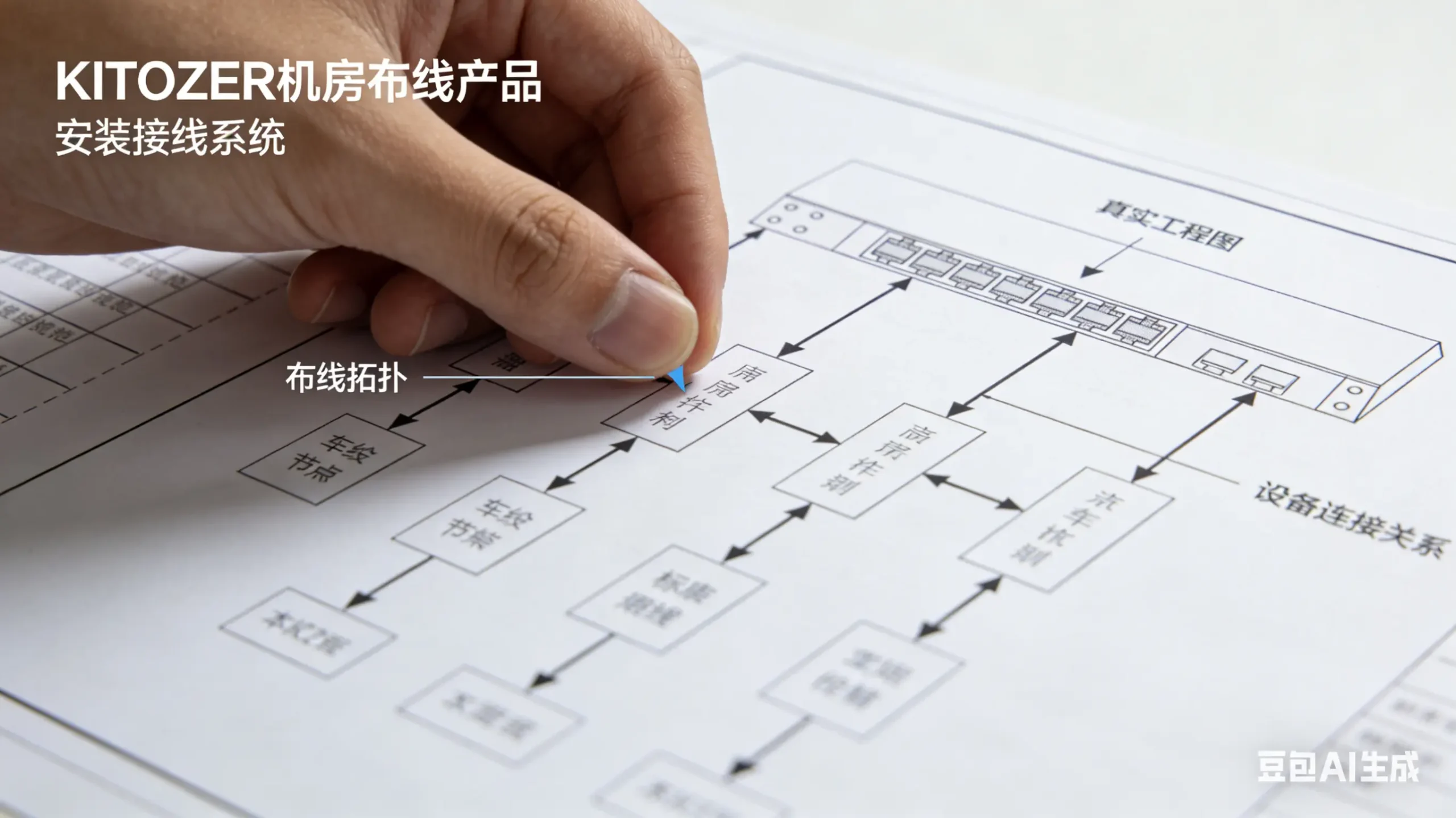
Labels, flag tags, port identifiers and documentation tools turn a physical cable plant into a managed asset. Standards-based labeling (TIA-606) defines how cables, panels, ports and pathways are identified so that any technician can locate a circuit from the documentation alone. This is not paperwork — in an operating data center, labeling discipline is what makes changes safe and fast.
3.5 Protection and Accessories
Grommets and bushings protect cables at pass-through holes, blanking panels maintain airflow and dust control in unused panel spaces, cable ties and hook-and-loop straps dress bundles without crushing them, and grounding kits bond shielded cabling and panels to the rack earth. Each is small; together they decide whether the installation still meets its category rating after a year of changes.
4. Choosing the Right Panel and Density
| Requirement | Recommended Choice | Notes |
|---|---|---|
| General office cabling | 24-port Cat6 keystone panel, 1U | Flexible, easy re-termination |
| Data center leaf/spine patching | 48-port Cat6A fixed panel, 1U | Highest density, low per-port cost |
| Shielded environments | FTP/STP shielded panels with grounding bar | Bond shield continuity to earth |
| Fiber backbone | LC duplex adapter panels, 24-48F | With splice tray and slack storage |
| High-density fiber | MPO/MTP cassette panels, 2U | Pre-terminated trunks, fast deploy |
| Mixed copper/fiber | Combined panel or side-by-side 1U units | Plan patching zones before installation |
Density decisions are really space and airflow decisions: packing 48 ports into 1U concentrates heat and makes patching access tighter, while 24-port panels are easier to work on. Choose density by the access model of the room, not by maximum port count.
5. Copper vs Fiber: Matching Accessories to Media
| Factor | Copper (Cat6/Cat6A) | Fiber (OM3/OM4/OS2) |
|---|---|---|
| Termination | RJ45 plug / keystone jack | LC, SC, MPO connectors or splice |
| Bend radius | 4× cable diameter typical | 10× cable diameter (patch cords) |
| Management | Horizontal managers, dressing bars | Slack spools, trays, protective tubing |
| Testing | Channel/link certification per category | Insertion loss & OTDR measurement |
| Change risk | Re-termination possible in field | Field splicing needs skill; use cassettes |
Fiber demands gentler handling: slack storage, protective tubing and radius-limited paths are not optional, and pre-terminated cassette systems shift termination risk from the field to the factory where quality is controlled.
6. Installation Best Practice
A certified cabling system is built as much by process as by product. Practical rules:
- Plan the patch field before installation: panel order, port numbering and labeling scheme agreed in advance, matching the documentation standard.
- Dress horizontal cabling from the rear with service loops, terminating from the center outward so the longest runs land first and the shortest finish last.
- Enforce bend radius everywhere: at panels, through managers, around corners — use radius-limiting accessories rather than relying on installer care.
- Keep power separate from data cables and cross at 90° where unavoidable, following the separation distances in the cabling standard.
- Label every cable at both ends and every port before commissioning; update labels and drawings with every change.
- Use blanking panels in unused openings to preserve airflow and reduce dust entry into active equipment.
- Test every link after installation and after significant changes, keeping the certification report as the as-built record.
7. Quality, Standards and Compliance
Cabling accessories are specified against the same framework as the cable itself: component and link standards (ISO/IEC 11801, TIA/EIA-568 series), fire-safety ratings for plenum and riser spaces, and labeling standards (TIA-606). Shielded systems add grounding and bonding requirements that must be designed, not improvised. KITOZER supplies accessories that match the performance category of the cabling and provides documentation supporting project certification, so the installed system can be verified as designed rather than accepted on trust.
8. Applications
Server rooms and network closets use 19″ panels with horizontal managers in standard racks; enterprise data centers deploy high-density copper and fiber patching zones with strict airflow discipline; industrial and outdoor sites use ruggedized connectors, IP-rated enclosures and protected routing where the environment is harsh. Lain engineers specify the accessory set from the cabling design — density, media, shielding and environment first, hardware second — so the finished installation matches the performance the network needs.
9. Frequently Asked Questions
Cabling Accessories FAQ
1. What are cabling accessories?
Cabling accessories are the hardware that terminates, routes, organizes, labels and protects structured cabling: patch panels, jacks, cable managers, connectors, labels, grommets, blanking panels and grounding kits.
2. How do I choose between 24-port and 48-port patch panels?
Choose by access model and airflow: 24-port panels are easier to work on and cool, while 48-port panels maximize density where port count per rack matters most.
3. What is the difference between keystone and fixed-port panels?
Keystone panels accept removable jacks for flexibility and easy re-termination; fixed-port panels are factory-integrated for lower cost and higher density.
4. Why is bend radius important in cable management?
Exceeding the minimum bend radius damages cable geometry and can break fiber or degrade copper link performance; management hardware enforces the radius the cabling standard requires.
5. Do I need shielded panels for shielded cabling?
Yes — shielded cable must be terminated on shielded connectors and panels with a bonding path to earth, or the shielding benefit is lost and interference can couple into the link.
6. What labeling standard should I follow?
TIA-606 (and its international equivalents) defines identification schemes for cables, panels, ports and pathways so documentation matches the physical plant.
7. Why use blanking panels in empty rack space?
Blanking panels maintain the intended airflow path through the rack, prevent hot air recirculation and reduce dust entry into active equipment.
8. Can fiber be terminated in the field reliably?
Yes, with fusion splicing or field-installable connectors, but pre-terminated cassettes and trunks move termination to the factory for higher quality and faster deployment.
9. What testing is required after installation?
Every copper link should be certified to its category and every fiber link measured for loss; keep the certification report as the as-built record for troubleshooting and warranty.
10. How should power and data cables be separated?
Follow the separation distances in the cabling standard, use separate pathways where possible, and cross power and data at 90° when they must meet.
11. Do you supply complete cabling accessory kits?
Yes — KITOZER supplies panels, managers, connectors, labels and protection accessories as coordinated kits matched to the cabling design and rack layout.
12. Can accessories match a specific performance category?
Yes — panels, jacks and connectors are available rated to Cat5e, Cat6 and Cat6A as well as fiber adapter systems, matched to the cable and the certification target.
10. Related Solutions
- Metal Cable Trunking & Tray Systems
- Aisle Ceiling Tiles
- Cabinet Fabrication
- Control Cabinet Fabrication
- General Outdoor Cabinets
- Dual-Row Hot Aisle Containment
About Guangzhou Lain Intelligent System Development Co., Ltd.
Guangzhou Lain Intelligent System Development Co., Ltd. supplies structured cabling accessories — patch panels, cable managers, connectors, labels and protection hardware — matched to the category, density and environment of your network installation. From single rooms to enterprise facilities, KITOZER provides design, manufacturing, integration, testing and after-sales service under one roof and exports worldwide.
Contact us for a free technical consultation:
- Company: Guangzhou Lain Intelligent System Development Co., Ltd.
- Address: 1st Floor, Building A, Chaotian Industrial Park, Zhongrun Industrial Park, Shilou Town, Panyu District, Guangzhou, Guangdong, China
- Tel/WeChat: +86 135-0923-8849 | +86 135-0923-8849
- WhatsApp: +86 135-0923-8849
- Email: zl19068534140@gmail.com
- Website: www.gdlain.com | Request a Quote
Typical response time: within one business day. Project references, drawings and samples are available on request.