1. Overview: Field Engineers Need More Than a Laptop
Field engineers maintaining networks arrive at base stations, data centers and campus wiring closets with a hard problem: how to reach, test and document equipment that speaks dozens of management dialects through serial consoles, USB ports and web interfaces — while the environment is noisy, dusty or cramped. A general-purpose laptop is heavy to carry, awkward to hold next to a rack, and mixes personal software with critical maintenance tools. A network operations terminal solves this: a purpose-built field console that brings console access, network testing, site records and safe power into one rugged, portable unit designed for on-site O&M work.
Guangzhou Lain Intelligent System Development Co., Ltd. (Lain) supplies network operations terminals and the supporting infrastructure — rack-mount consoles, managed cabinets, power and monitoring — for telecom, data center and enterprise maintenance teams. This guide explains what a network operations terminal does, how to choose one, and how to run field maintenance more safely and efficiently.
2. What a Network Operations Terminal Does
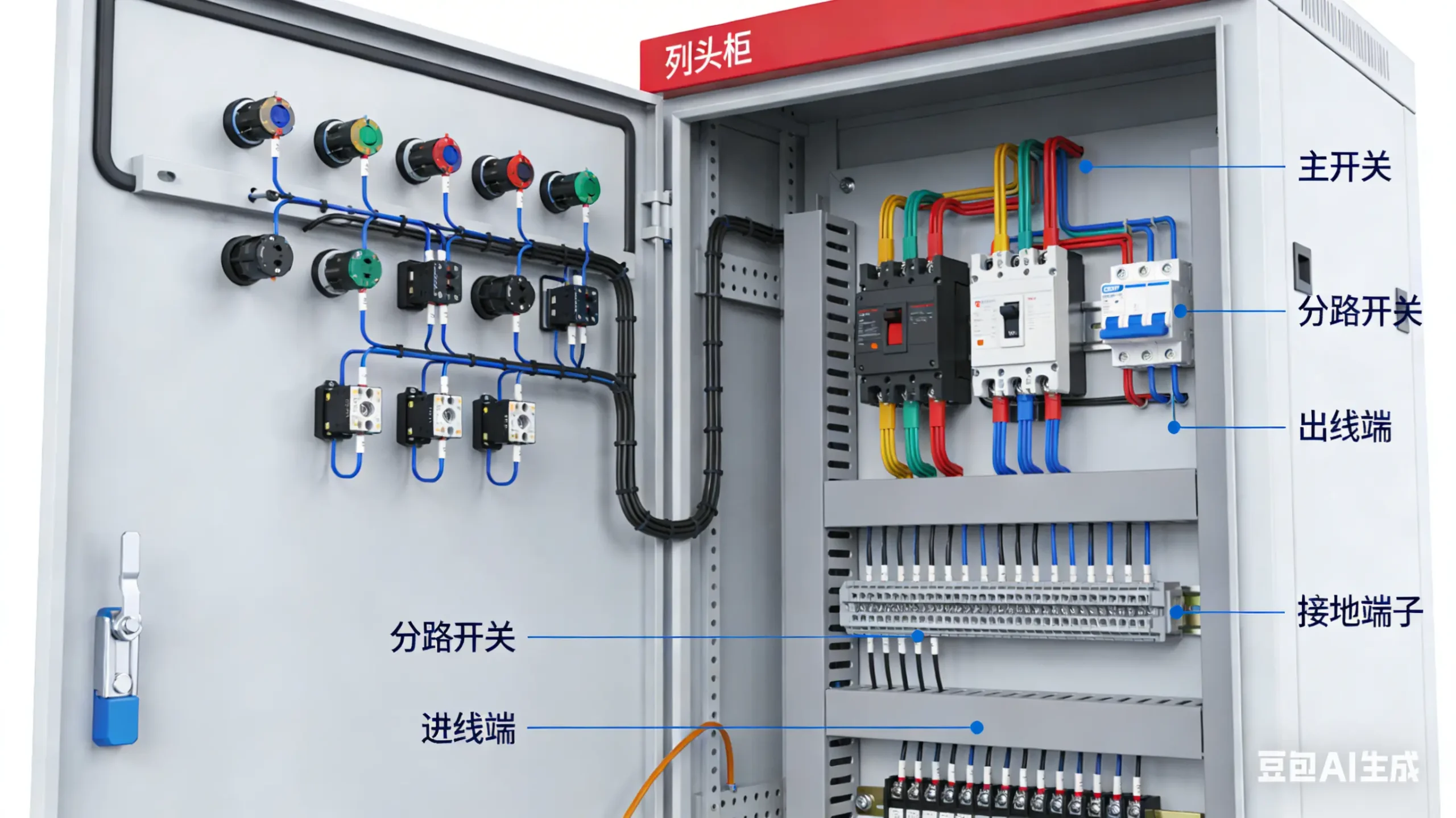
A network operations terminal replaces the loose collection of laptop, serial cables, adapters and cheat sheets that engineers used to carry. It combines the equipment a maintenance engineer actually touches during a site visit:
- Console access — direct serial (RS-232/RS-485), console and management connections to switches, routers, PDUs, BMS controllers and base station equipment.
- Network testing — Ethernet ports, link diagnostics, ping/traceroute and cable testing without carrying separate instruments.
- Documentation — device inventories, configuration backups, site records and work logs stored and synchronized on site.
- Secure access tooling — pre-loaded SSH/Telnet/web clients and credential-safe vault so engineers never type passwords into shared laptops.
- Safe power — rugged battery plus protected power delivery that isolates the engineer from hazardous site supplies.
Because the tooling is pre-configured and tested before the engineer leaves the office, time at the site is spent fixing equipment, not fighting with drivers and adapters.
3. Console Access: One Device for Every Port
Network gear rarely fails through its management interface — it fails, and the engineer must reach it through the console port when the network is down. That is why the operations terminal leads with physical console access:
| Connection | Typical Target | Field Use |
|---|---|---|
| RS-232 serial console | Switches, routers, firewalls | Recovery when management IP is unreachable |
| RS-485 / Modbus | PDUs, BMS, environment sensors | Site infrastructure checks |
| USB console / management | Servers, UPS, newer network gear | Direct local management without network |
| Ethernet management | Web and SSH interfaces | Day-to-day device administration |
| Bluetooth / Wi-Fi tethering | Phone or remote NOC | Escalation and remote assistance |
Terminals are configured with the correct console speeds, parity and terminal emulation profiles for common vendors, so the engineer selects the device model and connects — no guessing baud rates at the rack.
4. Why a Dedicated Terminal Beats a Personal Laptop
Maintenance teams that switch from personal laptops to dedicated operations terminals see improvements in three areas: safety, security and repeatability.
- Security — a dedicated terminal contains no personal email, browsing history or unmanaged software, so credentials and configuration backups do not leak through casual use, and antivirus/whitelisting policies are enforced centrally.
- Safety — field terminals are built to IP-rated enclosures with isolated power, so using them beside live power distribution is safer than propping a consumer laptop on a battery cabinet.
- Repeatability — every engineer carries the same toolset and the same tested procedure, so troubleshooting no longer depends on who happens to be on shift.
Central IT can image, update and audit every terminal before it leaves the office — the field device becomes part of the managed estate instead of an exception to it.
5. Rugged Design for Real Site Conditions
Network rooms are not clean desks. Terminals are built for the environments O&M engineers actually work in: dust from cable work, humidity in outdoor cabinets, vibration on vehicle mounts, and drops from ladder height.
| Feature | What It Protects Against | Benefit |
|---|---|---|
| IP53+ sealed enclosure | Dust, drizzle, splash | Works beside outdoor cabinets and in dusty rooms |
| Shock-resistant chassis | Drops and transport | Survives vehicle and ladder-site handling |
| Wide-temperature operation | Hot roof sites, cold vaults | Reliable from -10°C to 50°C |
| Sunlight-readable display | Outdoor glare | Readable at towers and rooftop sites |
| Gloved-input touchscreen + keys | Cold or dirty hands | Operable with work gloves |
| Hot-swap battery | Long site days | Uninterrupted field sessions |
6. Security and Access Control for Field Devices
An operations terminal carries high-privilege access to production networks, so it must be protected like the network itself:
- Device authentication — login, PIN or smartcard before the terminal unlocks its toolset.
- Central management — remote wipe, policy push and audit logging of who used which terminal and when.
- Credential vault — passwords stored encrypted and released only for authorized sessions, never displayed in plain text.
- Session logging — console sessions recorded for post-incident review and compliance evidence.
- Approved software only — whitelisting prevents unauthorized tools and keeps the terminal free of malware that could spread to the network.
7. Testing and Diagnostic Capabilities
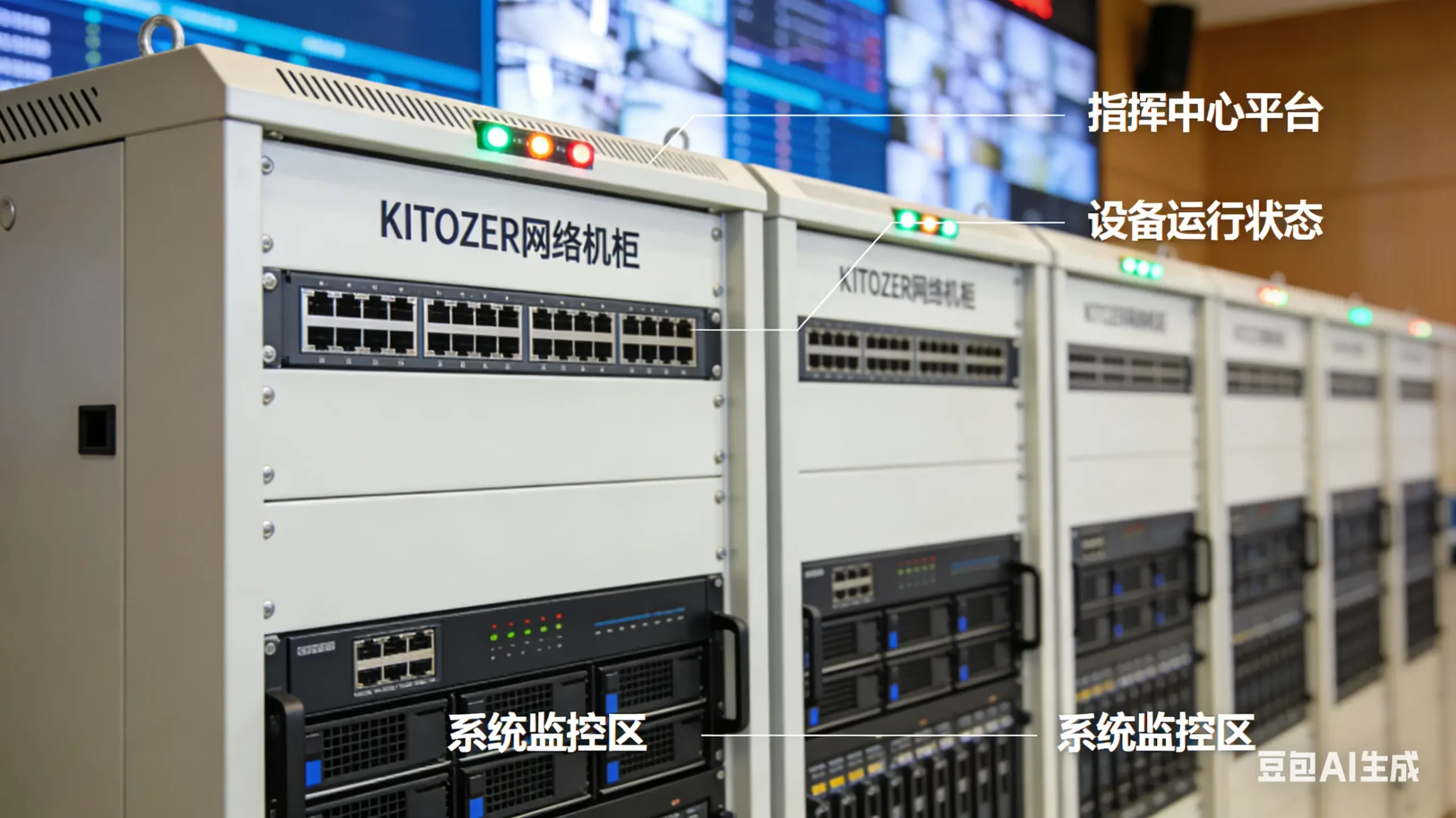
Beyond console access, the terminal puts first-line diagnostics in the engineer’s hands:
- Link and cable testing — verify copper/fiber links, check link speed and duplex, and validate patching.
- IP diagnostics — ping, traceroute, DNS and port checks to isolate faults between the device, the site network and the NOC.
- Configuration backup — capture running and startup configurations before and after changes.
- BMS/environment reads — where integrated, read temperature, humidity and power data at the site to correlate with network faults.
With these built in, the engineer diagnoses on the first visit instead of returning with the right tool the second time.
8. Site Records and Documentation
Maintenance quality depends on records: what was changed, which device, which firmware, which cable. The terminal makes documentation part of the workflow rather than a desk task done later from memory:
- Digital site checklists — guided procedures that confirm each step was completed.
- Photo and label capture — rack labels, serial numbers and cable runs photographed and attached to the work order.
- Work log synchronization — completed records sync to the office when the terminal returns to connectivity.
- Audit trail — every console session and configuration change is logged for compliance and dispute resolution.
9. Integration With the NOC and EMS Platform
The terminal is most valuable when it is part of a wider operations picture. Lain integrates field terminals with the network operations center and the site’s environment/energy monitoring platform:
- Work-order delivery — the terminal receives the job, site history and known alarms before the engineer arrives.
- Live escalation — when a fault needs remote help, the terminal connects the field engineer to NOC specialists over a secure channel.
- Device and site data exchange — configuration backups and environment readings flow into the central CMDB and monitoring system.
The result is a closed loop: NOC detects, dispatches, the field engineer fixes with full context, and the outcome updates the monitoring platform automatically.
10. Choosing the Right Configuration
Terminal requirements differ between telecom field teams, data center operations and enterprise network groups. Lain matches hardware and software to the actual workload:
| Use Case | Recommended Configuration | Why |
|---|---|---|
| Telecom / tower maintenance | Rugged handheld with serial + Bluetooth, long battery | Outdoor, one-handed, low weight |
| Data center operations | Rugged laptop-class with dual Ethernet, KVM support | Rack work, heavy console sessions |
| Enterprise / campus network | Mid-size terminal with Wi-Fi and management suite | Multi-building, office-environment work |
| Multi-vendor service teams | Full toolset with vendor profile library | Different equipment every day |
Every configuration is delivered with the console profiles, test tools and security policies already installed, so rollout is standard across the team.
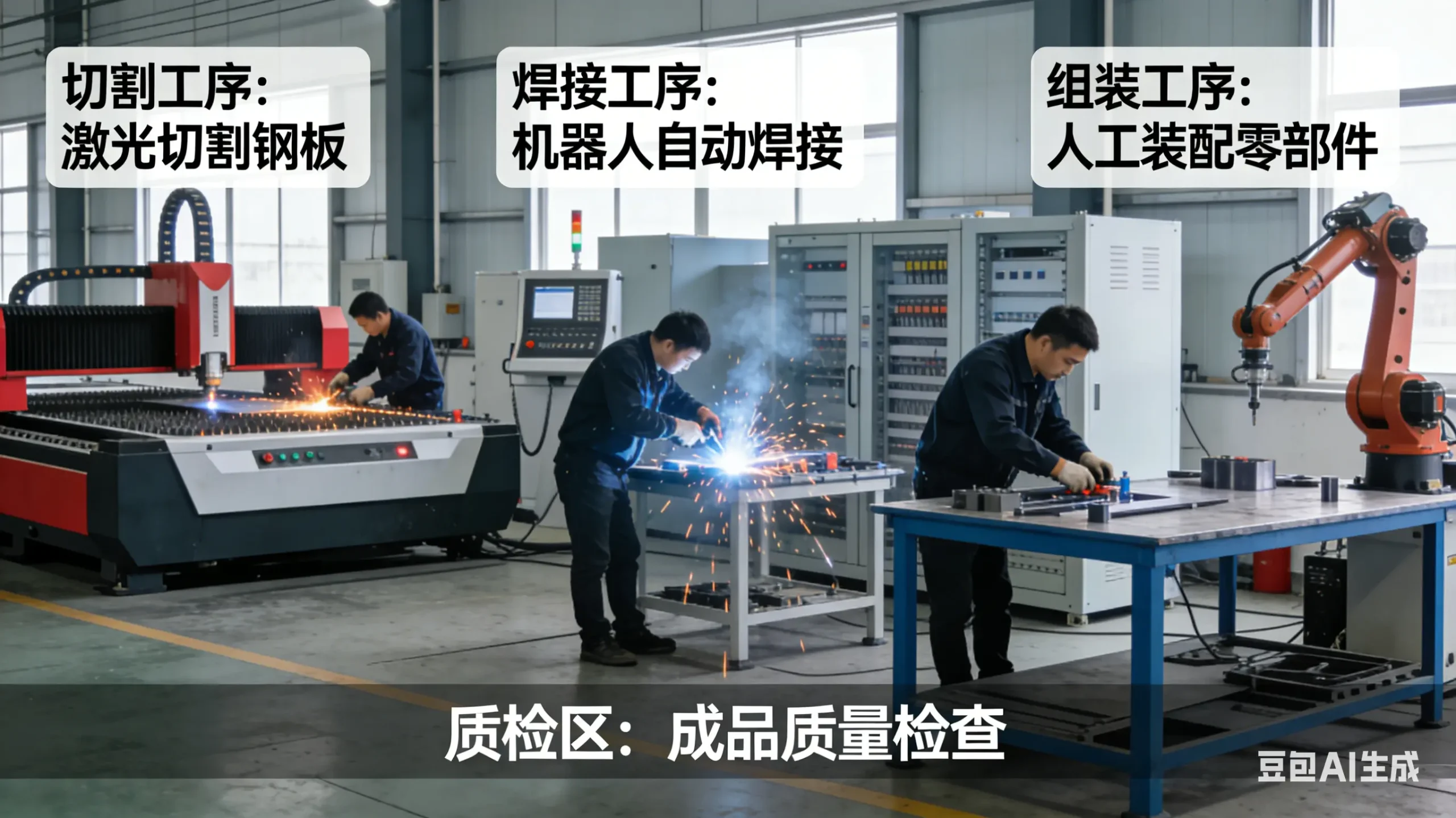
11. Supporting Infrastructure From Lain
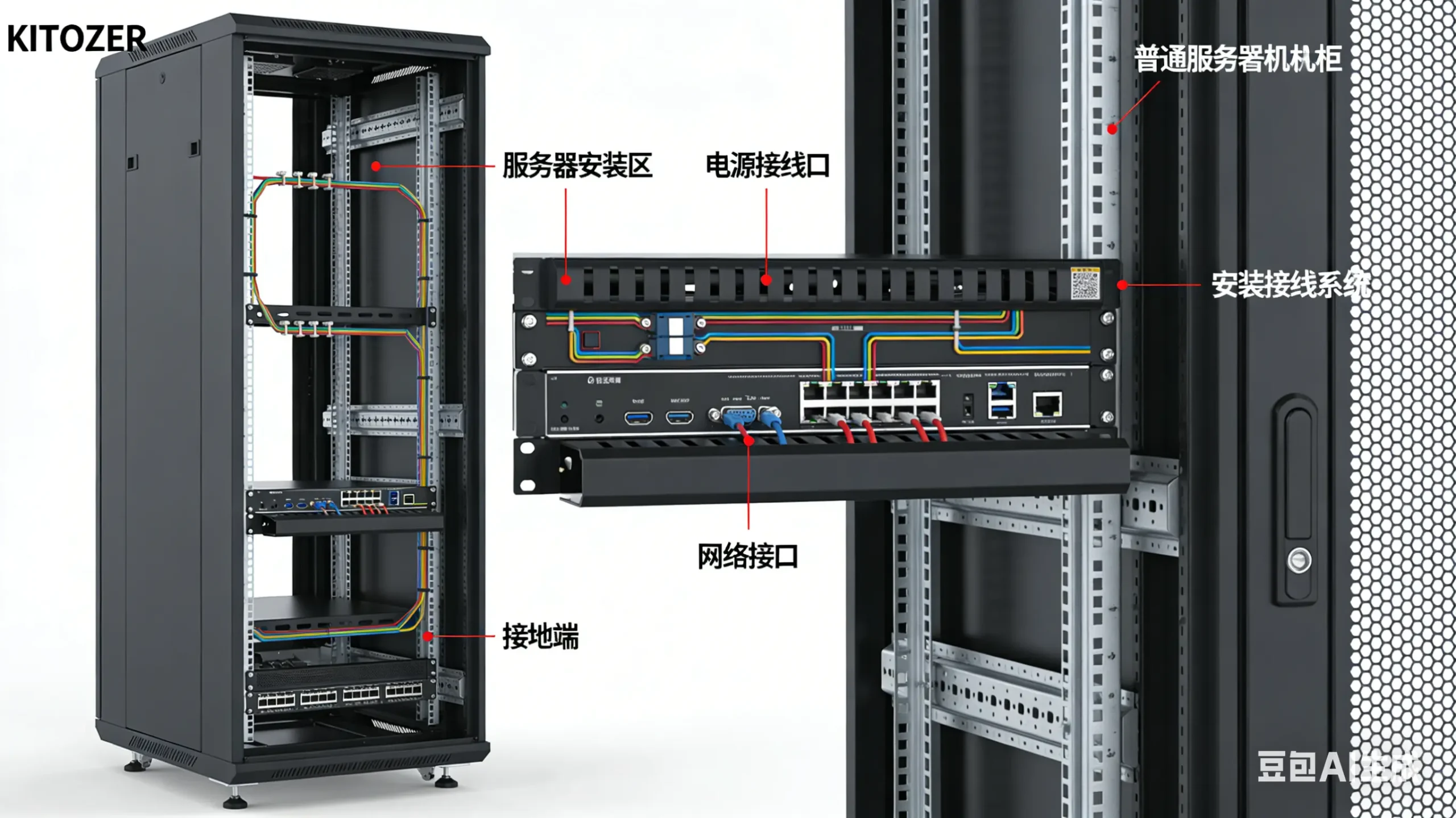
The terminal works alongside the infrastructure that keeps network rooms healthy. KITOZER supplies the complete supporting set:
| Product | Role Alongside the Terminal |
|---|---|
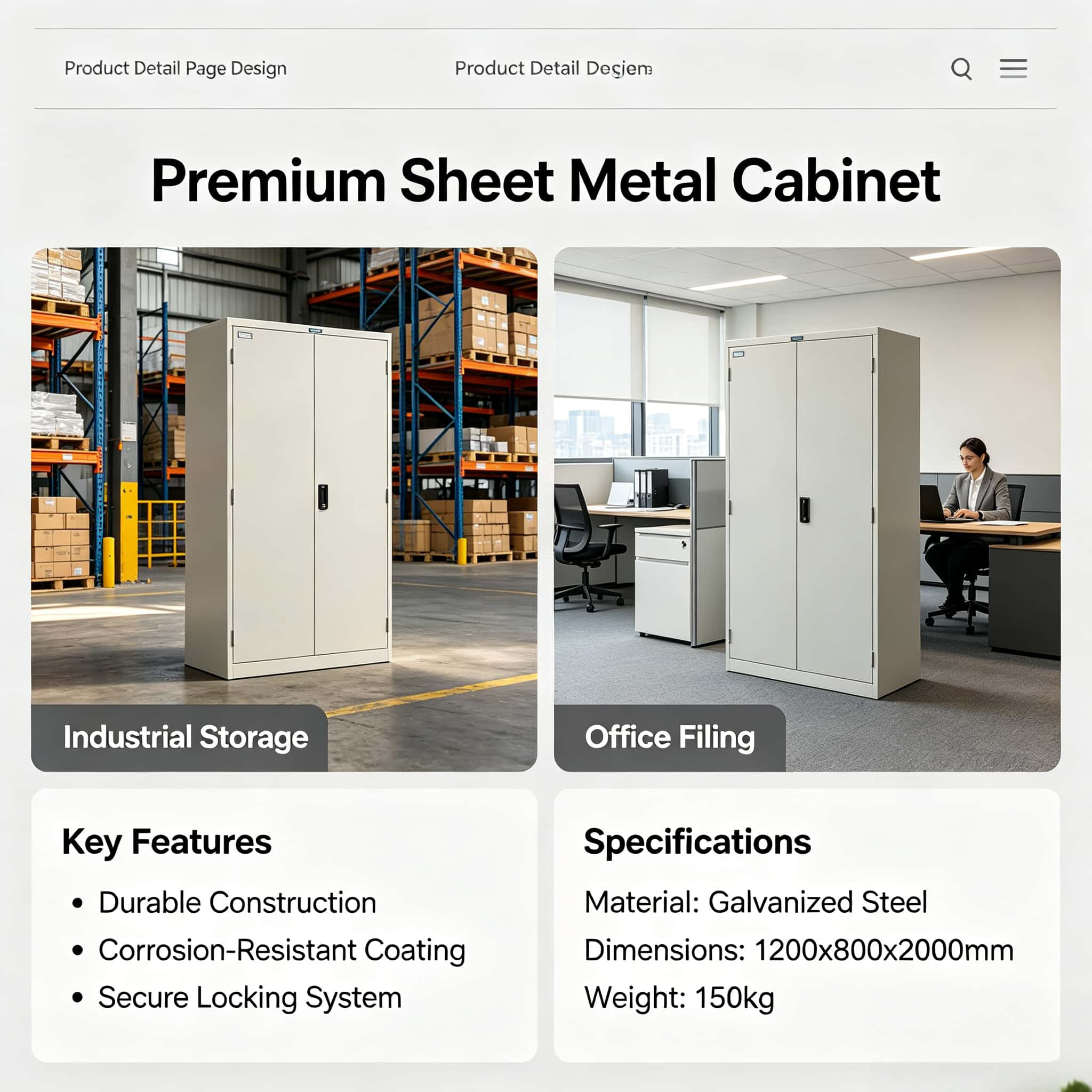
| Managed network/server cabinets | Secure housing for the equipment the terminal maintains |
| Rack-mount consoles and drawers | Fixed crash-cart style access points in critical rooms |
| PDU and UPS systems | Safe power for equipment and for charging field terminals |
| Environment monitoring | Temperature, humidity and water-leak visibility during visits |
| Cabling and accessories | Organized patching that makes field work predictable |
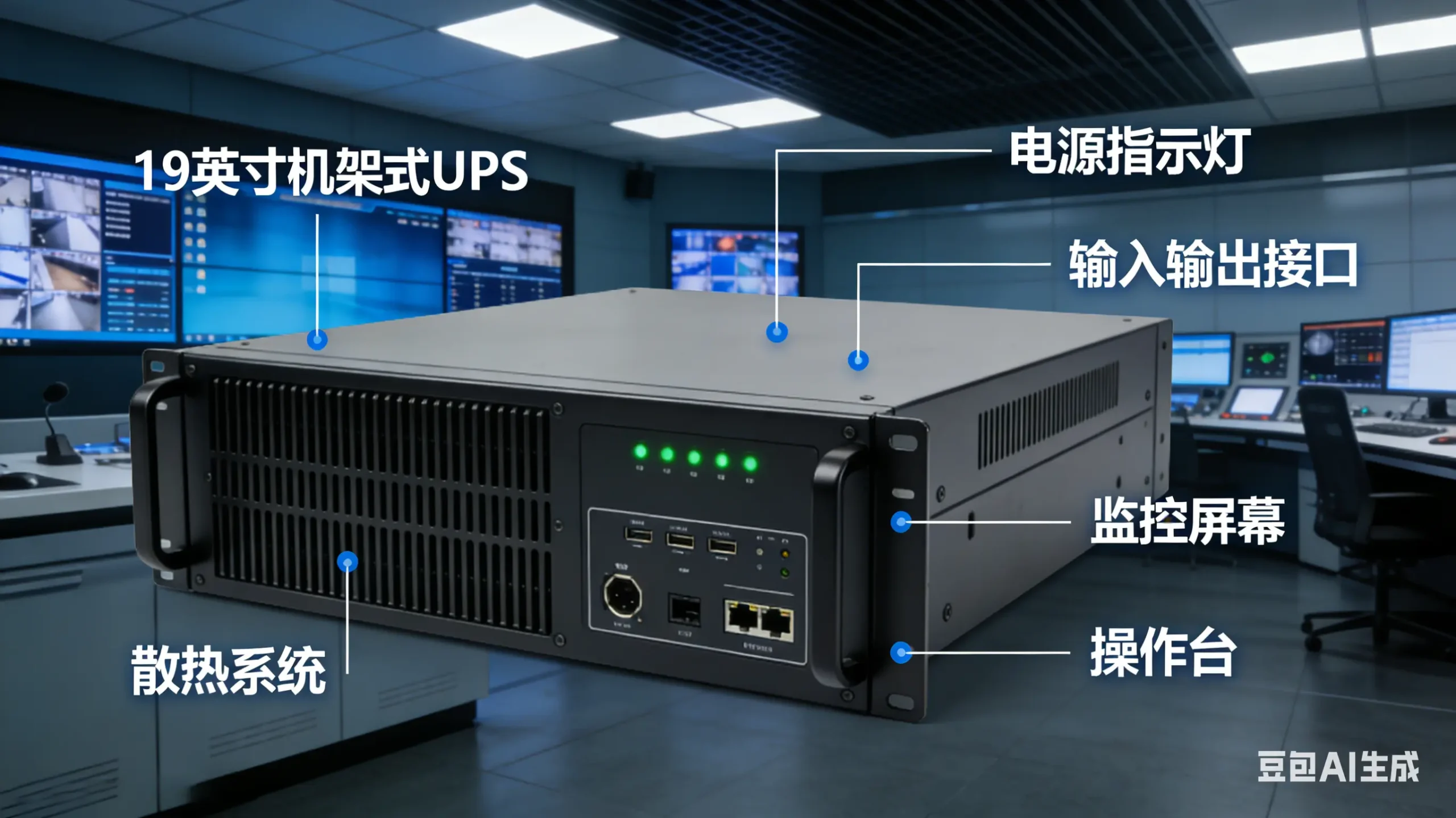
Engineers carry the terminal; the site provides safe, monitored, documented infrastructure — together they make maintenance faster and safer.
12. Frequently Asked Questions
Network Operations Terminal FAQ
1. What is a network operations terminal?
A rugged field console that gives O&M engineers console access, network testing, secure credentials and site documentation in one portable unit — replacing laptops plus loose adapters and cables on site visits.
2. Why not just use a normal laptop?
Laptops carry personal software and data, lack rugged protection for site conditions, and are rarely pre-configured with the exact console profiles, test tools and security policies a maintenance team needs.
3. Which devices can the terminal connect to?
Switches, routers, firewalls, servers, PDUs, UPS units, BMS controllers and base station equipment — via RS-232/RS-485 serial, USB and Ethernet management connections.
4. Is it secure to carry high-privilege access in the field?
Yes when managed properly: device authentication, central policy, encrypted credential vaults, session logging and approved-software whitelisting protect the terminal and the networks it touches.
5. Can it replace separate test instruments?
For first-line work yes — link/cable checks, IP diagnostics and configuration backup cover most site faults; specialist instruments remain for deep physical-layer testing.
6. How does it help with documentation?
Digital checklists, photo capture of labels and cabling, and automatic work-log synchronization mean records are created at the site instead of reconstructed later.
7. Does it integrate with our NOC?
Yes — Lain terminals receive work orders and site history, connect engineers to NOC specialists securely, and feed configuration and environment data back to the central platform.
8. Is a rugged terminal more expensive in practice?
Total cost is usually lower: fewer return visits, fewer damaged laptops, consistent procedures and better records reduce operational cost quickly.
9. Can one configuration serve the whole team?
Lain delivers standardized configurations per team role with the same security baseline, so every engineer works with identical, audited tooling.
10. Where can I get support and training?
KITOZER provides configuration, rollout and engineer training together with the hardware, and can integrate terminals with your existing monitoring and ticketing platforms.
13. Related Solutions
- Network Traffic Analysis
- Core Router: High-Performance Network Backbone
- IDS/IPS: Intrusion Detection & Prevention
- Gap Gateway: Secure Data Exchange
- Fibre Channel Switch
- Data Center Monitoring System
About Guangzhou Lain Intelligent System Development Co., Ltd.
Guangzhou Lain Intelligent System Development Co., Ltd. supplies network operations terminals and the supporting infrastructure for O&M teams — rugged field consoles with serial/Ethernet access, test tooling, secure credential management and NOC integration — helping telecom, data center and enterprise engineers maintain networks safely and efficiently. From single rooms to enterprise facilities, KITOZER provides design, manufacturing, integration, testing and after-sales service. Export and support scope are confirmed on the quotation.
Contact us for a free technical consultation:
- Company: Guangzhou Lain Intelligent System Development Co., Ltd.
- Address: 1st Floor, Building A, Chaotian Industrial Park, Zhongrun Industrial Park, Shilou Town, Panyu District, Guangzhou, Guangdong, China
- Tel/WeChat: +86 13538869979
- WhatsApp: +86 13538869979
- Email: zl19068534140@gmail.com
- Website: www.gdlain.com | Request a Quote
Typical response time: within one business day. Project references, drawings and samples are available on request.