1. Overview: What This FAQ Covers
Cabling accessories are the passive components that organise, terminate, protect and identify the cables in a data centre or technical room — patch panels, modules, cable managers, connectors, patch cords, labels and fixing hardware. This page answers the questions network engineers, IT managers, integrators and facility buyers ask when planning structured cabling for a computer room or server room.
Guangzhou Lain Intelligent System Development Co., Ltd. designs and installs complete computer room cabling systems, including racks, patch panels, cable management and the accessories that keep cabling orderly. The answers below reflect our standard products and installation practice.
2. What Counts as Cabling Accessories
2.1 Which items are considered cabling accessories?
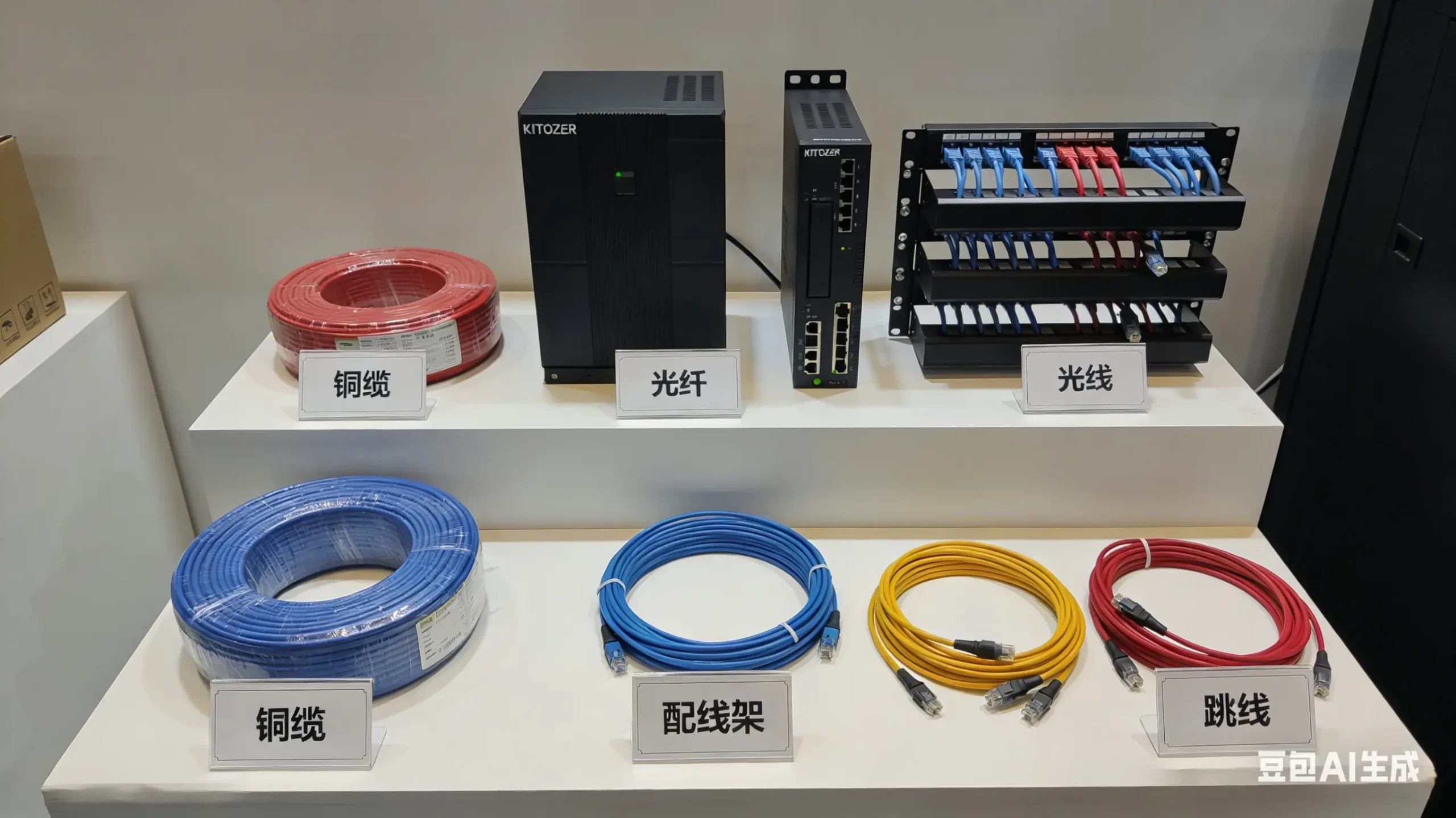
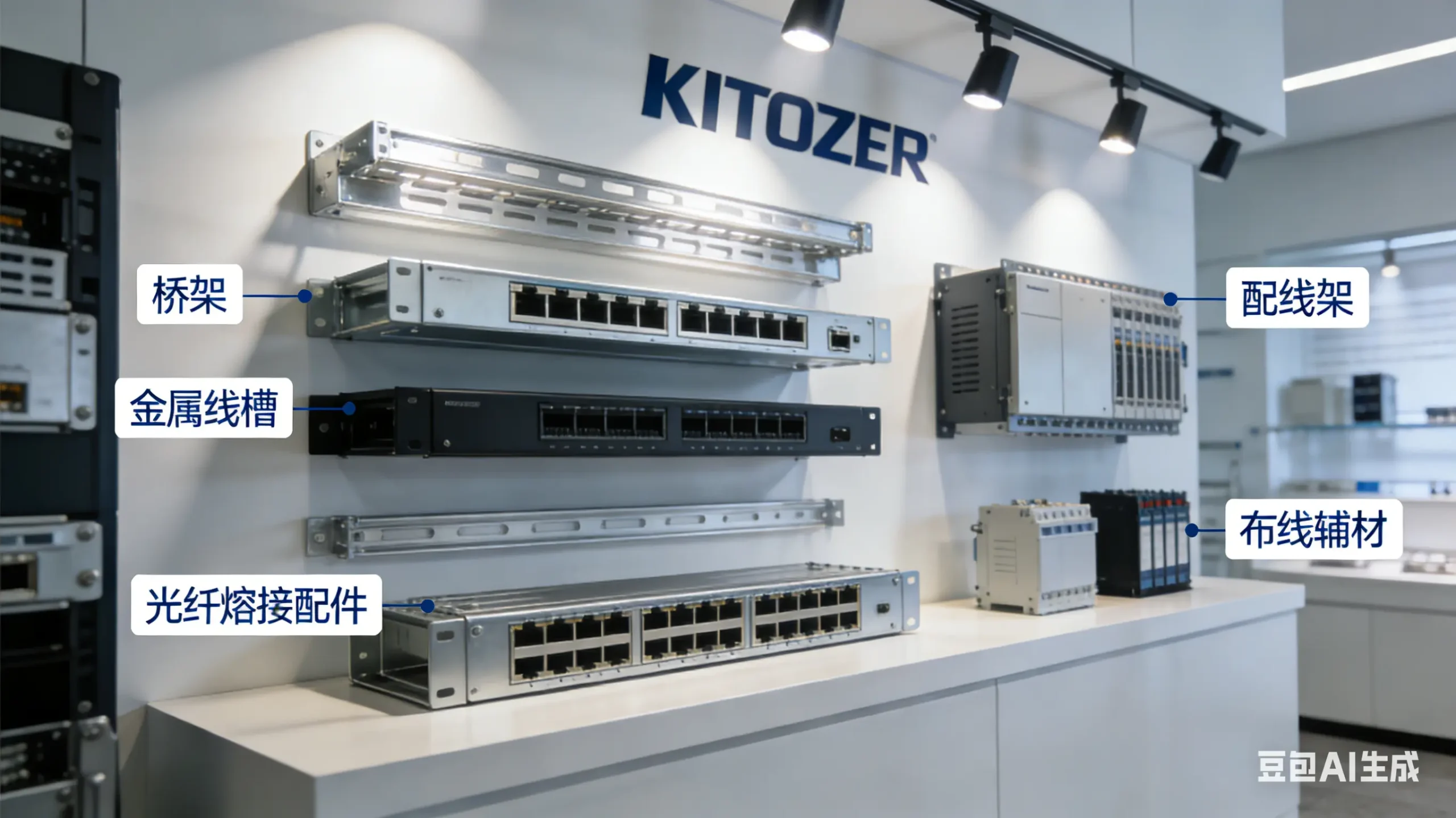
Accessories sit around the cable itself and make a cabling system usable: patch panels and their modules, cable managers (horizontal and vertical), rings and hooks, connectors and adapters, patch cords and pigtails, cable ties, labels, grommets and fixing hardware. Copper and fibre installations use different accessory families, but both rely on the same organising principle — every cable should have a defined path, a neat termination and a clear identity.
2.2 Why do cabling accessories matter for a computer room?
Well-managed cabling is easier to trace, safer to maintain and less likely to be damaged when technicians add or remove equipment. Organised cable runs also improve airflow around racks, which helps cooling work properly. Poor cabling — tangled, unlabelled, pinched or overloaded — is one of the most common causes of avoidable downtime in real rooms.
2.3 Are accessories compatible across brands and systems?
Most passive accessories follow open standards, so patch panels, modules and managers from different manufacturers can be combined in one rack. What must match is the performance class of the cabling channel — for example Cat6A components throughout for a Cat6A channel — because the weakest link sets the class of the whole link. KITOZER supplies matched accessory families so performance is guaranteed end to end.
3. Patch Panels and Modules
3.1 What is a patch panel and when is it used?
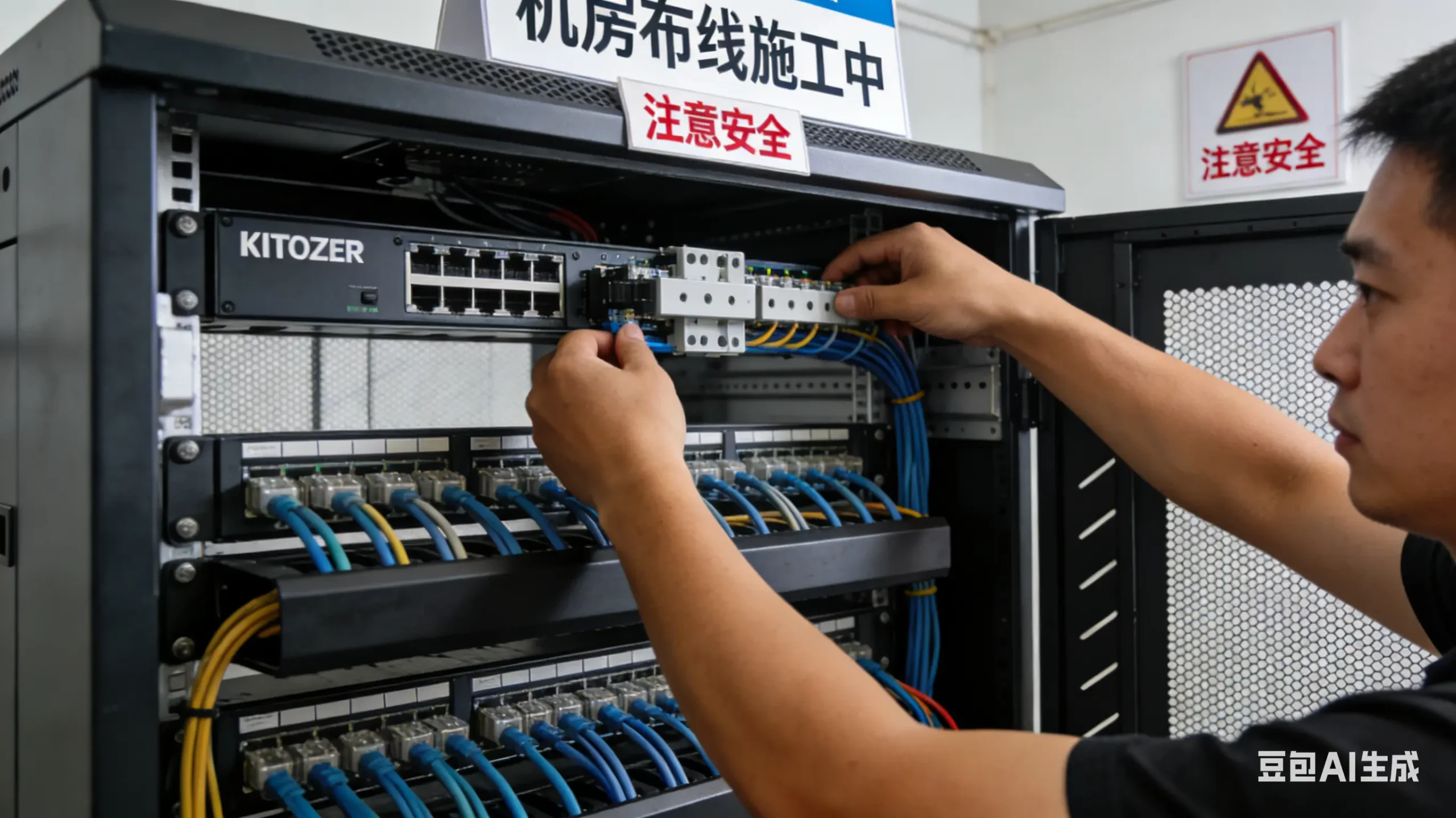
A patch panel is a rack-mount frame that terminates horizontal or backbone cables on fixed ports, so active equipment connects with short patch cords instead of long direct runs. It is the standard termination point in every structured cabling room: it keeps permanent cables fixed and protected, makes moves and changes fast, and gives every cable a single identifiable home port.
3.2 Copper or fibre — how do I choose the panel and modules?
Copper panels accept keystone or integrated RJ45 modules in classes from Cat5e to Cat6A and beyond; fibre panels hold adapters for LC, SC or MPO connectors in fixed or modular cassettes. The choice follows the application: copper for typical LAN and PoE links, fibre for longer runs, higher speeds or backbone links. Modular panels are the most flexible because ports can be mixed copper/fibre and changed later without replacing the frame.
3.3 How many ports and what density do I need?
Density is planned from the number of end points plus spare capacity for growth — commonly 24 or 48 copper ports per 1U panel, and 12, 24 or 48 fibre ports per 1U panel or cassette. Leaving 20–30% spare ports in the initial build avoids a second cabling phase when desks or devices are added.
4. Cable Management
4.1 What cable managers are used in a rack?
Horizontal managers (1U or 2U panels with fingers or rings) run between patch panels and switches to dress patch cords neatly across the front; vertical managers run beside the equipment column to carry cables between floors of the rack; D-rings and hooks fix individual bundles in place. Managers protect bend radius and keep front access clean, which directly reduces errors during moves and changes.
4.2 What is the correct bend radius for copper and fibre?
Copper patch cords tolerate roughly four times their diameter as a minimum bend, while fibre is stricter — typical minimum bend radius for patch fibre is around 30 mm under load and less when slack. Cable managers with generous fingers and rounded edges are the practical way to respect these limits; sharp edges or tight wraps must be avoided on both media.
4.3 How is cabling organised inside a cabinet?
The common method is front patching: patch panels at the front top or mid of the rack, switches below, and short patch cords dressed through horizontal managers to the switch ports. Rear cable bundles run from the panels into vertical managers and down to the floor or overhead tray, secured without crushing, labelled at both ends and kept away from ventilation openings.
5. Connectors, Patch Cords and Testing
5.1 Which connectors are standard today?
RJ45 modular jacks dominate copper structured cabling, with shielded versions for Cat6A and industrial environments. In fibre, LC has become the default small-form-factor connector, with MPO used for 40/100/400G parallel optics and SC still common in legacy and passive optical networks. Connector quality drives link performance, so KITOZER supplies factory-tested connectors matched to the cable class.
5.2 How are patch cords selected and managed?
Patch cords are chosen in the right category (Cat6A patch cords for Cat6A channels, OS2/OM3/OM4/OM5 fibre patch cords to match the plant), in measured lengths to avoid coils, and with colour coding for quick identification of service types. Spare cords are kept neat and tested; damaged cords are replaced rather than repaired, since a marginal cord can downgrade an otherwise perfect channel.
5.3 How is a finished cabling link verified?
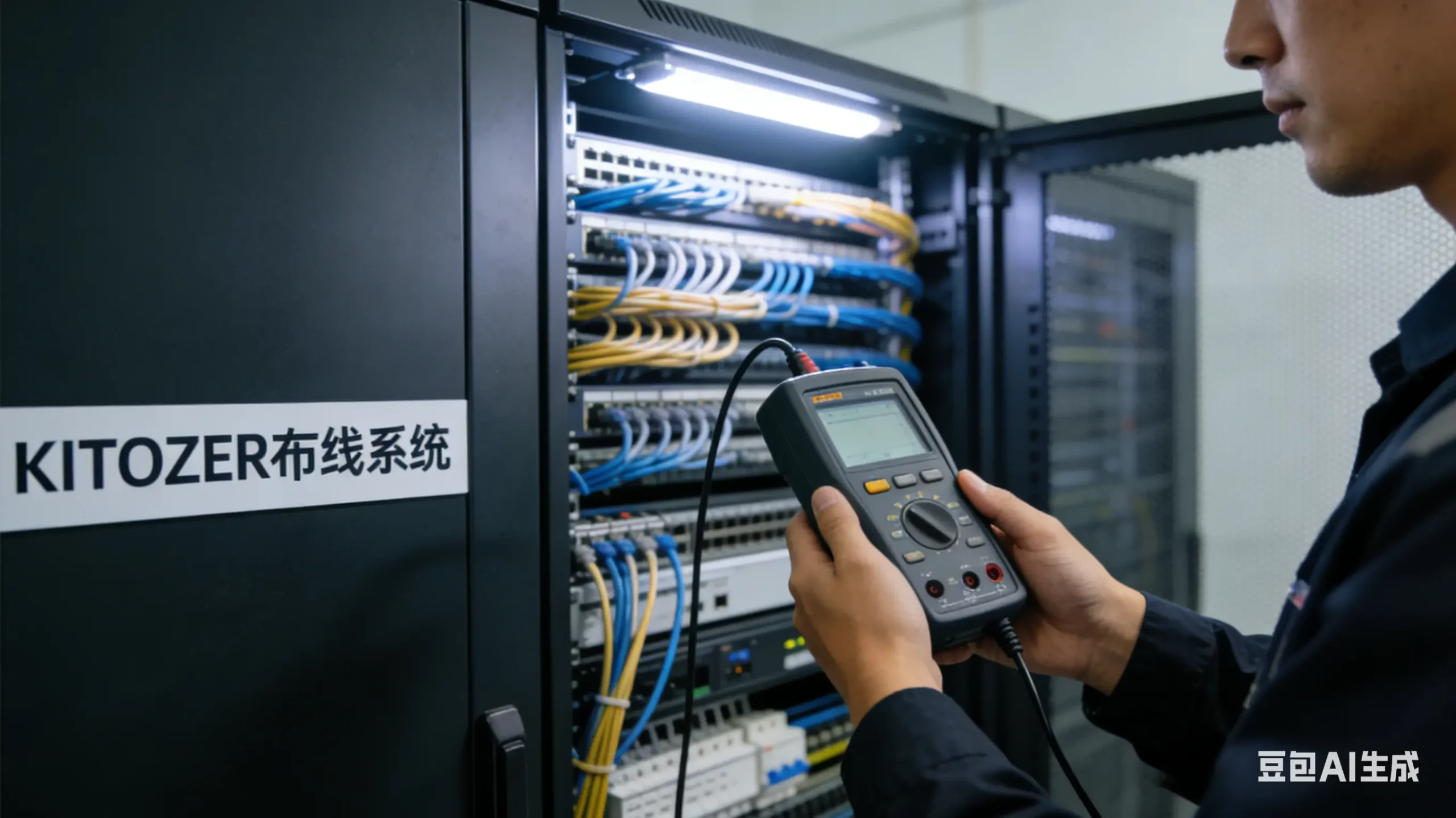
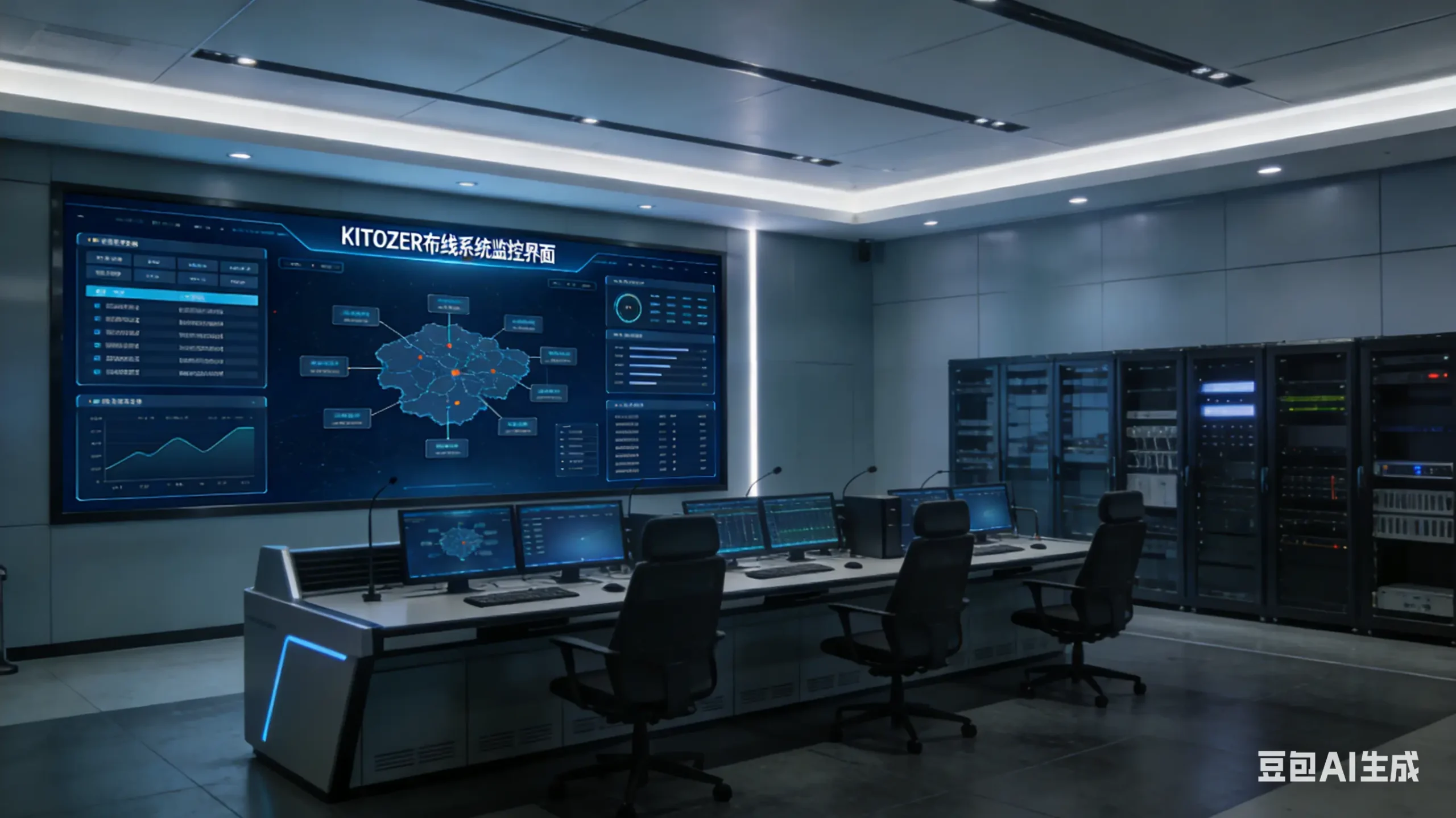
Copper links are verified with a certifier that checks wiremap, length, insertion loss, return loss and crosstalk against the category limit; fibre links are verified with an optical loss test set or OTDR against the link budget. Certification results are documented per port and become the baseline for later troubleshooting — KITOZER provides test documentation with installed systems.
6. Labelling, Documentation and Maintenance
6.1 What labelling standard should be followed?
Every panel, port, cable and outlet should carry a unique identifier, typically following the ANSI/TIA-606 labelling scheme or a simpler site convention derived from it. Labels are printed on self-laminated material for durability and placed identically at both ends so any cable can be traced from either side. Consistent labelling is what makes a room maintainable by more than one person.
6.2 How is documentation kept useful?
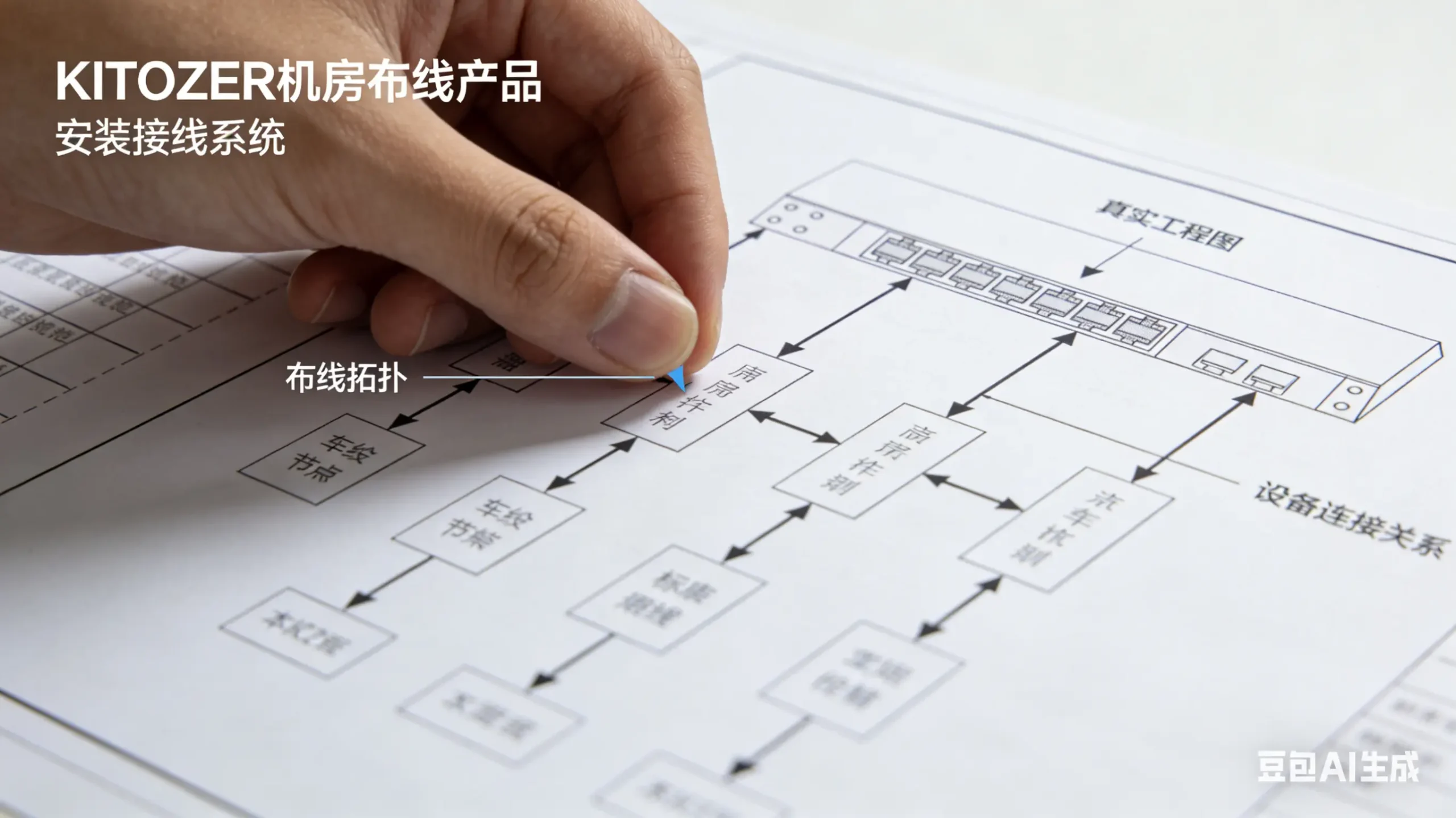
Drawings and port schedules are updated whenever a change is made, recording which port connects to which outlet, switch port and device. Digital records, including test results and photos of dense areas, are easier to keep current than paper — Lain delivers as-built documentation with new cabling installations so the room starts life with an accurate record.
6.3 What regular maintenance keeps cabling healthy?
Periodic checks cover physical damage, loose connections, dust on optics, and bundles that have shifted or overfilled managers; thermography or airflow checks can reveal blocked cooling paths. Testing spot links confirms the installation still meets class. Most cabling faults are physical and preventable, so a short inspection routine protects the whole network.
7. Frequently Asked Questions — Quick Reference
Cabling Accessories FAQ
1. What counts as cabling accessories?
Passive components around the cable: patch panels, modules, cable managers, rings, connectors, adapters, patch cords, labels and fixing hardware for copper and fibre systems.
2. Why do cabling accessories matter?
They organise, terminate, protect and identify cables, making the room traceable and maintainable and protecting airflow around equipment.
3. How do I choose a patch panel?
By media (copper or fibre), port count with spare capacity, mounting (1U/2U), and performance class — modular panels allow mixing and future changes.
4. Copper or fibre for my room?
Copper suits typical LAN and PoE links; fibre suits longer runs, higher speeds and backbones. Many rooms use both with modular panels.
5. What cable managers are needed?
Horizontal managers between panels and switches, vertical managers for inter-floor routing, and D-rings or hooks for bundles — all protecting bend radius.
6. What is the minimum bend radius?
Copper about four times cable diameter; fibre typically around 30 mm under load. Managers with rounded fingers keep runs within limits.
7. Which connectors are standard?
RJ45 for copper; LC as the default fibre connector, with MPO for high-speed parallel optics and SC in legacy or PON networks.
8. How are patch cords chosen?
Match the channel category (e.g. Cat6A cords for Cat6A links), use measured lengths, colour-code services and replace damaged cords rather than repairing them.
9. How is cabling verified?
Copper links are certified for loss and crosstalk against the category; fibre links are tested for optical loss against the link budget, with results documented per port.
10. What labelling should be used?
Unique identifiers on every panel, port, cable and outlet following ANSI/TIA-606 or a derived site convention, printed durably and applied at both ends.
11. Why is documentation important?
Accurate port schedules and drawings make every change traceable and let any technician maintain the room; as-built documentation is delivered with Lain installations.
12. Can accessories be mixed between brands?
Yes — open standards allow mixing, but the performance class of every component must match the target channel class so the weakest link does not limit the link.
8. Related Solutions
- Cabling Accessories: Panels, Managers & Connectors
- Metal Cable Trunking & Tray Systems
- Computer Room Wiring & Patch Panel System Solution
- Computer Room Wiring Auxiliary System Solution
- Metal Cable Tray Solution for Computer Rooms
- Decoration Accessories for Technical Rooms
About Guangzhou Lain Intelligent System Development Co., Ltd.
Guangzhou Lain Intelligent System Development Co., Ltd. supplies structured cabling accessories — patch panels, cable managers, connectors and patch cords — and installs complete, documented cabling systems for computer rooms and data centres. From single rooms to enterprise facilities, KITOZER provides design, manufacturing, integration, testing and after-sales service under one roof and exports worldwide.
Contact us for a free technical consultation:
- Company: Guangzhou Lain Intelligent System Development Co., Ltd.
- Address: 1st Floor, Building A, Chaotian Industrial Park, Zhongrun Industrial Park, Shilou Town, Panyu District, Guangzhou, Guangdong, China
- Tel/WeChat: +86 135-0923-8849 | +86 135-0923-8849
- WhatsApp: +86 135-0923-8849
- Email: zl19068534140@gmail.com
- Website: www.gdlain.com | Request a Quote
Typical response time: within one business day. Project references, drawings and samples are available on request.